

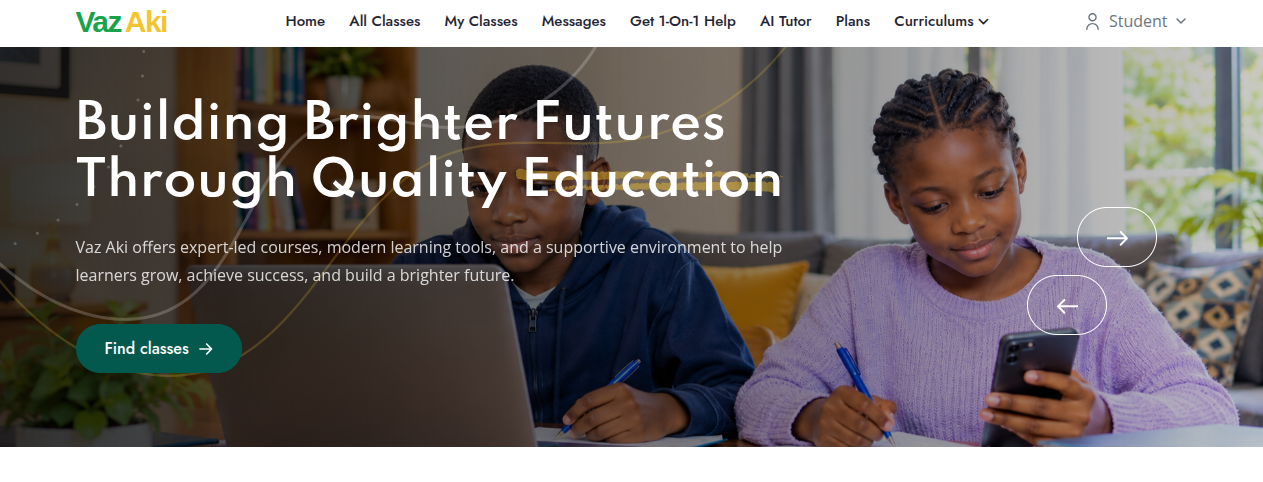

Vaz Aki is an online learning platform that connects students with tutors, online lessons, learning materials, and assessments to support their learning journey.
Sign in to your student account and browse the available classes. Choose a class that matches your learning needs and enroll. After enrolling, select a cohort that suits your self-paced learning preferences, then enroll in the lessons available within that cohort.
Depending on the class, you can attend live online lessons with a tutor, access recorded lessons, and review learning materials at your own pace. You can also complete assessments, including quizzes, exams, and assignments, through Vaz Aki.
Sign in to your student account, browse the available classes, and choose the class you want to study. Click the Enroll button to enroll in your selected class. Once enrolled, you can access the available learning opportunities according to your subscription plan.
Yes, students need an active subscription to one of our available plans to enroll in lessons and access learning opportunities on the platform. Choose a subscription plan that suits your learning needs to get started.
You may be able to revisit recorded lessons and access available learning materials after a lesson ends. Access depends on the lesson settings, your subscription plan, and the permissions associated with your account.
Yes! You can take quizzes, exams, and assignments as part of your learning experience. You can also interact with our AI Tutor, get practice quizzes, receive automatic marking, and review your results to identify areas where you need improvement.
If you experience difficulties accessing classes, lessons, your subscription, or other platform features, contact Vaz Aki support through the available support channels for assistance.
Vaz Aki is an online learning platform that helps tutors manage classes, deliver lessons, share learning materials, and assess student progress.
Tutors can create classes, organize lesson content, schedule lessons, and manage enrolled students from their tutor dashboard.
Tutors can schedule live lessons, share recorded lessons, and provide learning materials depending on the lesson setup.
Yes. Tutors can prepare assessments, configure exams, mark student submissions, award marks, and release results.
For lessons hosted on third-party platforms such as Google Meet, tutors should verify attendance using students' email addresses and record it on Vaz Aki. For activities conducted within the platform, such as online exams, attendance and activity tracking may be handled automatically by the system.
Yes. Tutors can provide relevant learning resources and associate them with their classes or specific lessons.
Tutors can view enrolled students and manage their learning activities through the class dashboard.
Yes. Learning materials remain available to students after a lesson ends. Tutors can also update lesson materials, and the updated materials remain accessible to students, subject to the class settings and their access permissions.
The Vaz Aki affiliate programme allows registered affiliates to refer potential students or parents to the platform and earn commissions in accordance with the applicable programme terms.
Register for an affiliate account and complete any required profile or verification steps to access the available affiliate features.
Use your assigned affiliate referral code or link, where available, to direct prospective students or parents to the platform.
Eligible referrals are associated with your affiliate account through the platform's referral tracking process.
Commissions are earned when a referral meets the programme's eligibility requirements. The applicable conditions determine when a commission is credited.
Review your affiliate dashboard to check available commission information and wallet transactions.
Payouts are processed by the system at regular intervals in accordance with the applicable programme terms.
Payout processing times depend on the applicable payment procedures and the status of the transaction.
Vaz Aki is an online learning platform that helps parents connect their children with classes, tutors, learning materials, and assessments.
You can register your child by creating a student account. During verification, the student can enter the parent's email address so the parent can complete the verification process. The parent can also choose to create an account during verification or register separately and manage their child from the parent dashboard.
Browse available classes and review their subjects, curriculum, learning content, and other details to find options that suit your child's learning needs.
Select a suitable class and follow the enrollment instructions. Any applicable subscription or payment requirements will be displayed during the process.
Once logged in to your parent account, you can use the parent dashboard to review available class information, assessment results, marks, and other learning progress details.
Depending on the class, your child may attend scheduled live lessons, access available recordings, and use learning materials provided for the class.
Subscription plans determine the applicable access and pricing for the services offered. Review the available plans and their terms before making a payment.
Once results have been released and made available, you can review your child's assessment performance through your parent dashboard.
Yes. Once logged in, you can manage multiple children from your parent dashboard.
Contact the platform's support team through the available support channels for assistance with your account, enrollment, payments, or your child's learning activities.